
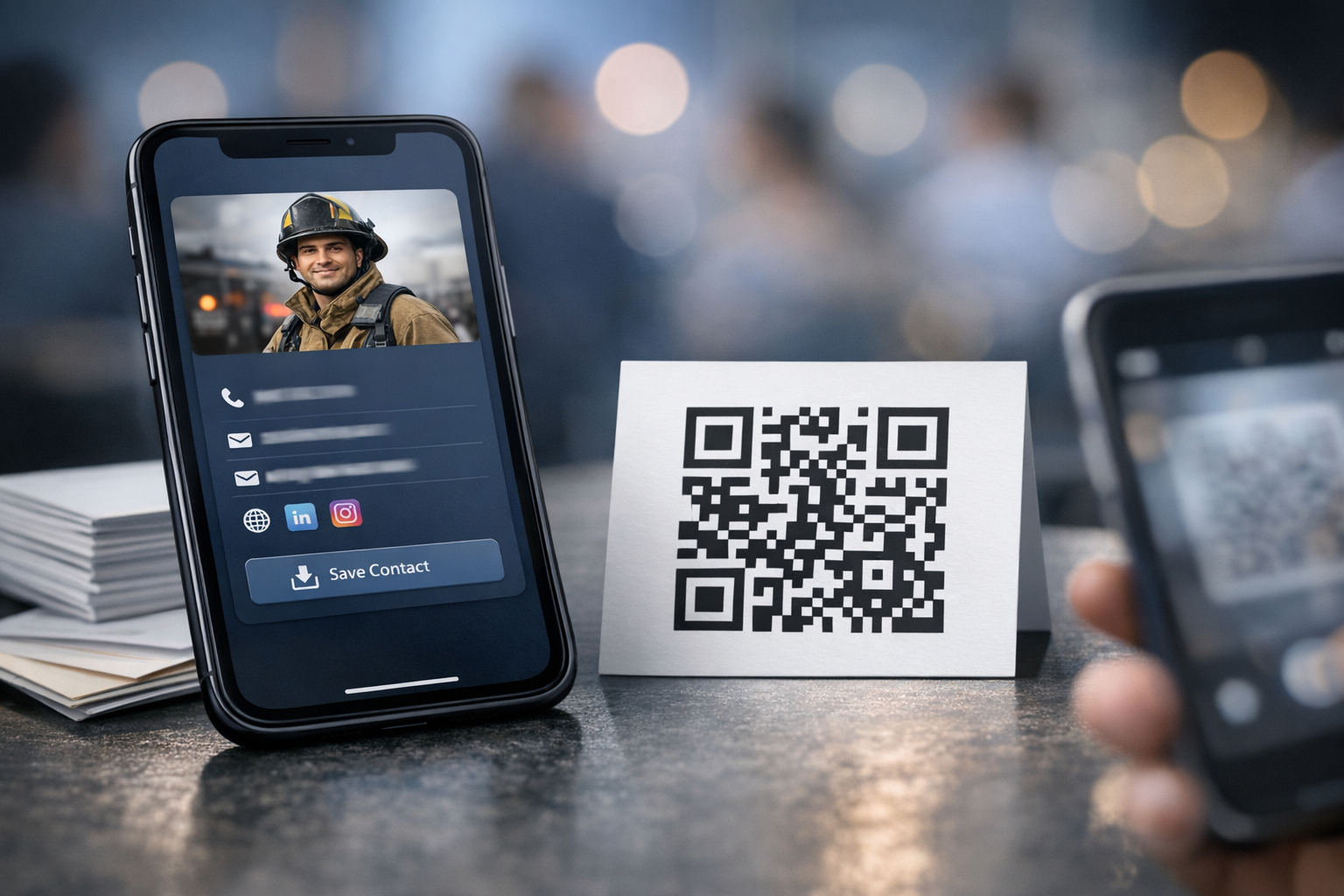
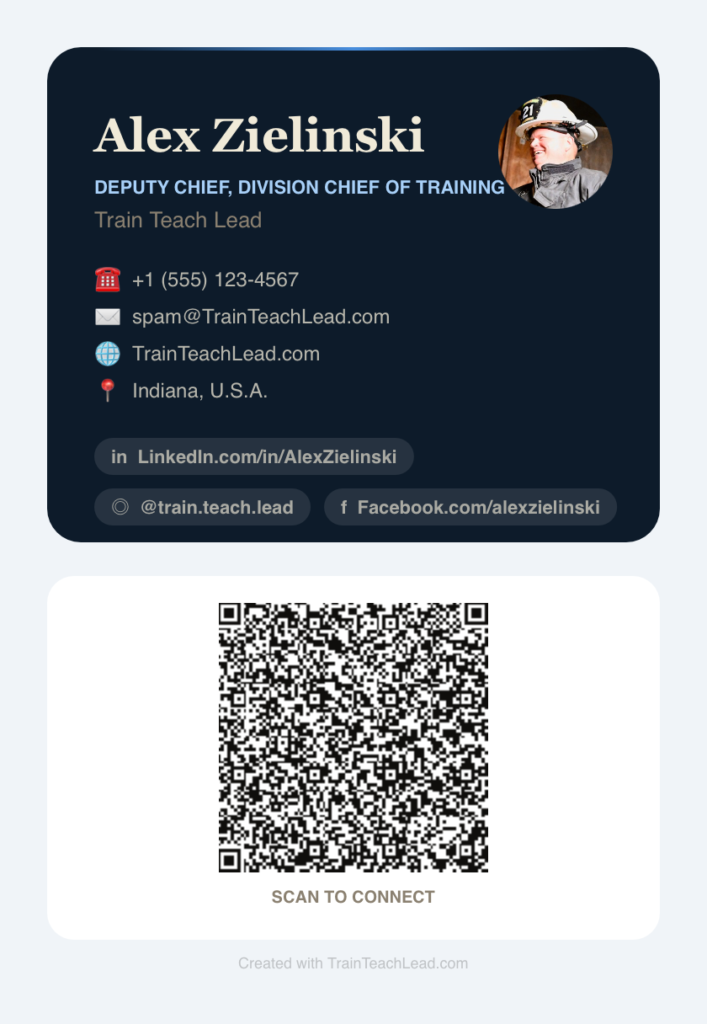
A Smarter Way to Share Your Contact Info
Printed business cards have one fatal flaw: they freeze you in time. Roles evolve, phone numbers change, or maybe you change departments, and suddenly that box of cards you ordered last year is quietly working against you. Careers move fast; cardstock doesn’t. And are you remembering to carry those cards with you when meeting new people?
That’s the problem this new tool solves. And it’s free (seriously).
What This Tool Actually Does (In Plain English)
I built a simple generator that creates a clean, modern digital business card you can share with a single QR code. No apps to install. No accounts to create. No technical knowledge required.
You type in your details, choose a look you like, and the tool builds a lightweight webpage that works on any phone. That’s it.
Why This Matters at Conferences
Events like FDIC, regional fire service conferences, and leadership summits are full of great conversations that never turn into follow‑through. Not because people don’t care — but because the friction is real. Paper cards get lost. Typing someone’s info into your phone is awkward. And by the time you get home, the momentum is gone.
A QR code removes all of that. Someone scans it, saves your info instantly, and the connection survives the trip home. One QR Code, Everything in One Place
This tool gives you a single QR code that leads to a page you fully control — your role, your email, your phone, your website, your social links. No algorithm. No ads. No “people also viewed.” And because it’s not tied to a social platform, you decide exactly what you share and what you don’t. Privacy isn’t a feature; it’s the default.
Exporting and Sharing Made Easy
Once your card is generated, you’ll see two export buttons
- Download QR Code — perfect for adding to slides, posters, or printed materials
- Download Contact File (vCard) — lets people save your info directly into their phone’s contacts with one tap
Both are optional, but together they make your card incredibly flexible.
Customization and Control
You can personalize your card with:
- A photo or logo
- Multiple color themes
- Whatever contact details you want to include — and nothing you don’t
Your data never gets stored on a server. Everything is generated locally in your browser, so you stay in control from start to finish.
How to Get Started
- Open the generator
- Enter your contact details
- Choose a theme
- Add a photo if you want
- Generate your card
- Export your QR code or vCard
- (Optional but highly recommended) Add the card to your phone’s Home Screen so you can pull it up instantly at conferences
It takes less than a minute, and you’ll never be stuck saying “I’m out of cards” again.